发布rust公共仓库到crates
发布rust公共仓库到crates 前言
注册crates
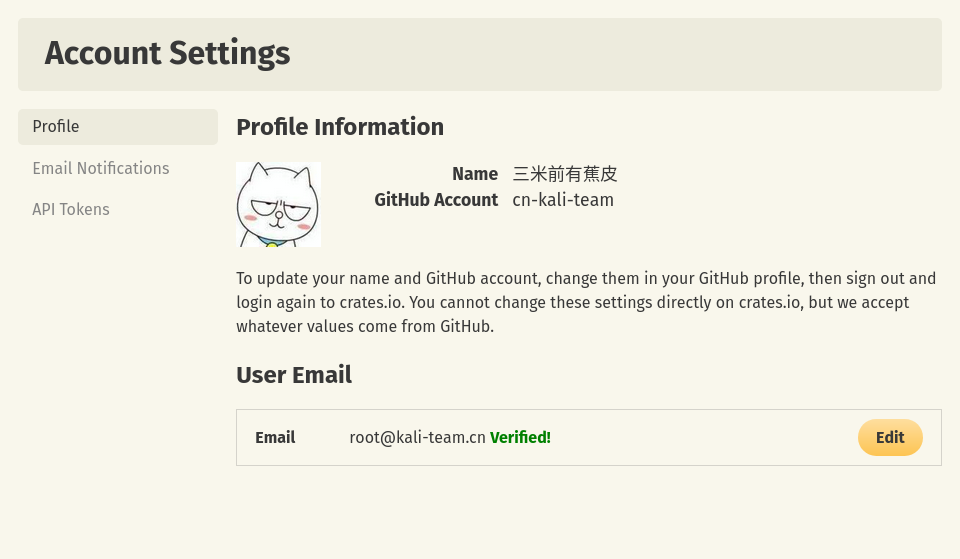
登录验证Cargo
publish-new和publish-update权限。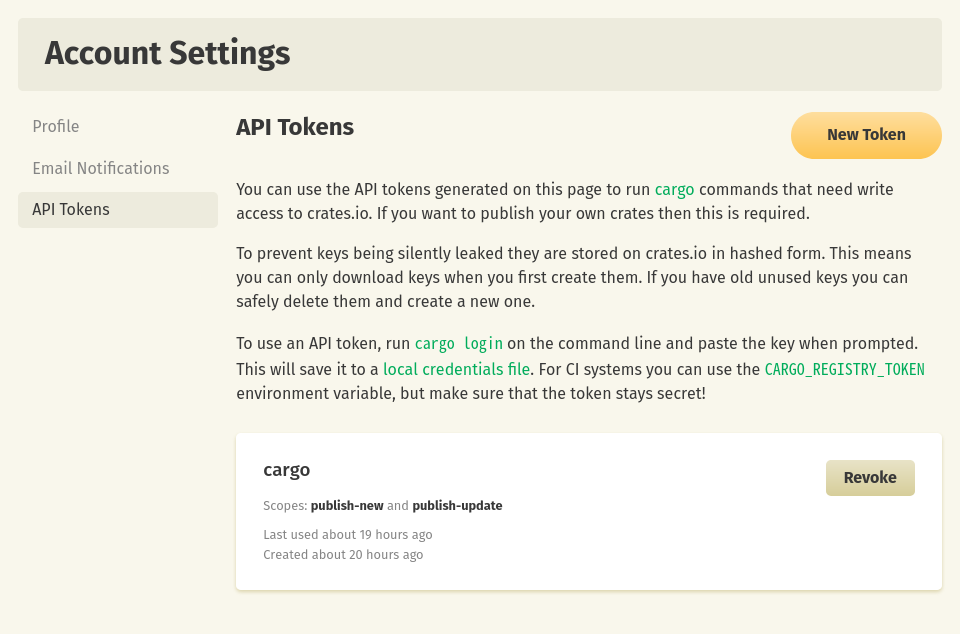
➜  nvd-rs git:(main) cargo login
error: crates-io is replaced with non-remote-registry source registry `rsproxy`;
include `--registry crates-io` to use crates.ioy locally
➜  ~ cat .cargo/config
[source.crates-io]
replace-with = 'rsproxy'
[source.rsproxy]
registry = "https://rsproxy.cn/crates.io-index"
[source.rsproxy-sparse]
registry = "sparse+https://rsproxy.cn/index/"
[registries.rsproxy]
index = "https://rsproxy.cn/crates.io-index"
[net]
git-fetch-with-cli = true
[build]
rustc-wrapper = "/usr/bin/sccache"
➜  nvd-rs git:(main) cargo login
    Updating crates.io index
please paste the token found on https://crates.io/me below
xxxxxxxxxxxxxxxxxxxxxxxxxxxxxxxxxx
       Login token for `crates.io` saved
发布整个工作区
➜ nvd-rs git:(main) cargo install cargo-workspaces
Cargo.toml文件,配置工作区成员,排除掉不公开的库。[workspace.package]
#name = "nvd-rs" #改这个
version = "0.1.0"
edition = "2021"
authors = ["Kali-Team [email protected]>"]
include = ["LICENSE", "Cargo.toml", "src/**/*.rs"]
license-file = "LICENSE"
license = "GPL-3.0-only"
[workspace]
members = ["nvd-api", "nvd-cpe", "nvd-cves", "nvd-cvss", "nvd-cwe"]
exclude = ["helper", "nvd-cpe/schema", "nvd-server", "nvd-yew"]
resolver = "2"
➜  nvd-rs git:(main) cargo workspaces publish --all --force '*' --from-git --yes
info already published nvd-cpe v0.1.0
info already published nvd-cvss v0.1.0
GitHub Action
CARGO_REGISTRY_TOKEN设置为cargo登录时复制的token就可以了。name: Publish
on:
workflow_dispatch:
jobs:
publish:
runs-on: ubuntu-latest
steps:
- uses: actions/checkout@v3
- uses: stellar/actions/rust-cache@main
- run: rustup update
- uses: stellar/binaries@v12
with:
name: cargo-workspaces
version: 0.2.35
- run: cargo workspaces publish --all --force '*' --from-git --yes
env:
CARGO_REGISTRY_TOKEN: ${{ secrets.CARGO_REGISTRY_TOKEN }}
注意事项
[workspace.package],不然会连工作区一起上传到crates。在不想公开的库设置publish = false为假[package]
name = "tldextract-cli"
version.workspace = true
edition.workspace = true
authors.workspace = true
include.workspace = true
readme.workspace = true
license.workspace = true
description.workspace = true
homepage.workspace = true
repository.workspace = true
publish = false
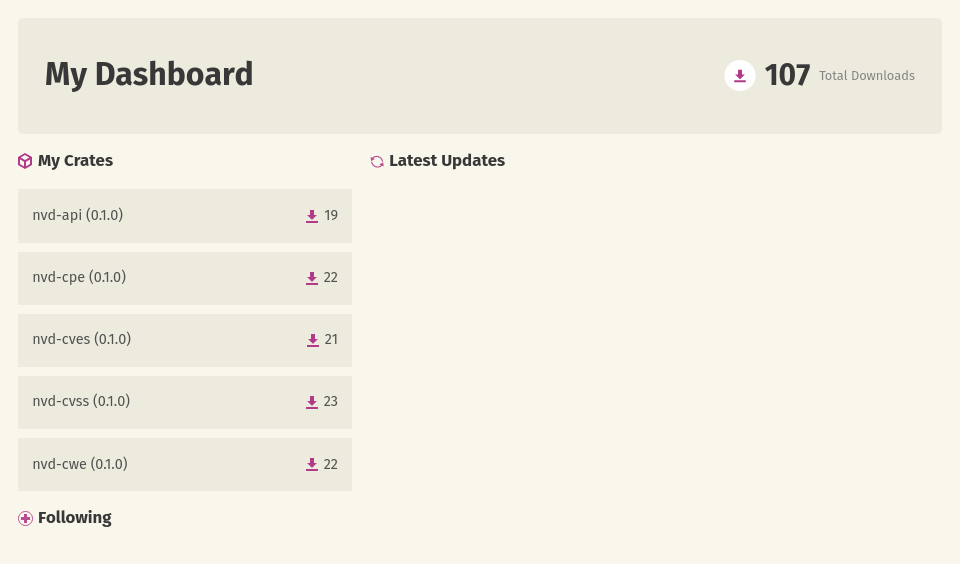
效果
参考